How to Run Backfills Without Taking Retrieval Offline
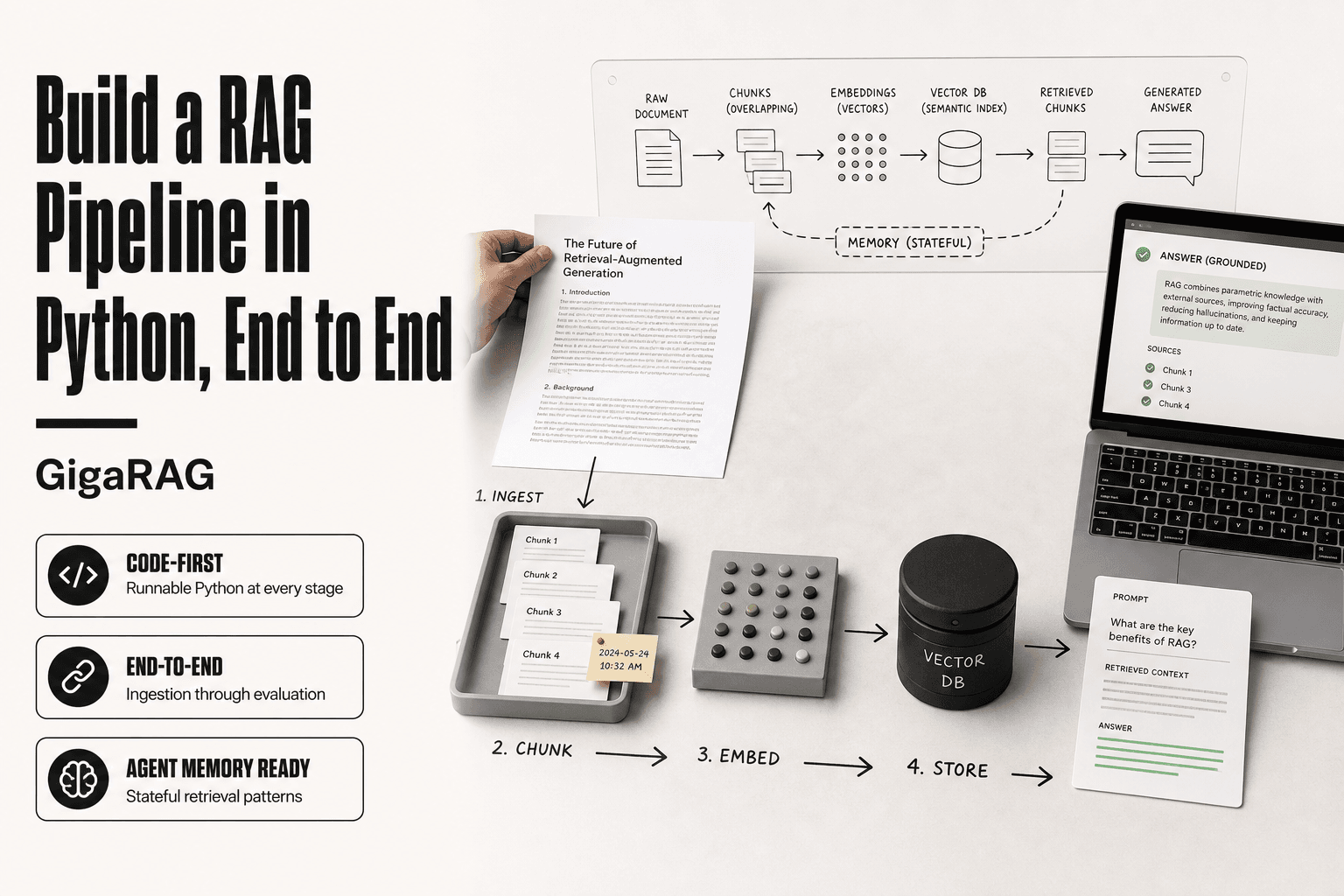
Stale embeddings are the quiet killer of RAG pipelines and agent memory systems. Your vector index drifts out of sync, your agent misses context it should have, and every query that hits the old index returns something slightly wrong. The fix is a backfill: rebuilding or updating the index without dropping live query serving. But if you're a backend or ML engineer running retrieval in production, taking the store offline isn't an option, because failed queries are worse than stale ones. GigaRAG was built for exactly this problem, and the patterns we use come straight from CDC and data pipeline backfills, adapted for vector stores and agent memory. This guide covers a step-by-step playbook for running backfills without taking retrieval offline, including dual-write staging, atomic index swaps, what to avoid, and the limitations no vendor will tell you about.
| At a glance | Details |
|---|---|
| Primary Goal | Update embeddings without query downtime |
| Key Technique | Dual-write + shadow index + atomic swap |
| Biggest Risk | Latency spikes from resource contention |
| Not Possible | Zero-latency impact, fully atomic multi-store |
| Typical Duration | Hours to days, depending on volume |
| Critical Metric | p95 retrieval latency during backfill |
In This Guide
- What Does It Mean to Backfill Retrieval Data?
- Dual-Write vs Shadow Index Backfill
- Backfill Types and Modes for Retrieval Systems
- Backfills Without Taking Retrieval Offline: A Step-by-Step Guide
- How to Backfill Properly: A Step-by-Step Process
- Keeping Retrieval Online: Dual-Write and Atomic Swap Patterns
- What to Avoid When Backfilling Retrieval Systems
- What You Cannot Do: Honest Limitations of Online Backfills
- Backfilling Agent Memory: Specific Considerations
- Preventing the Need for Backfills in Retrieval Pipelines
- Common Mistakes When Running Backfills Without Taking Retrieval Offline
What Does It Mean to Backfill Retrieval Data?
Backfilling retrieval data means rebuilding or updating a vector index or agent memory store while live queries keep running. You add missing embeddings, replace stale ones, or re-index changed source data without dropping query serving.
Backfill vs. initial index build
An initial build starts from zero. You create the index, embed your documents, and load them in. Nothing is serving yet, so you can afford to be slow and sloppy.
A backfill happens on a live system. Queries are hitting the index while you modify it. That constraint changes everything: you need staging, validation, and a cutover plan.
Why retrieval backfills are different from database backfills
Database backfills move rows between tables. The data is exact. A row either matches or it doesn't.
Retrieval backfills move embeddings. Two embeddings of the same text can differ slightly depending on the model version, and a wrong vector still returns results, just worse ones. You can't check a checksum. You have to check retrieval quality, which is slower and messier.
[!note] A fully atomic backfill across multiple stores (e.g., vector index and agent memory) is not possible without a distributed transaction; expect eventual consistency and plan for reconciliation.
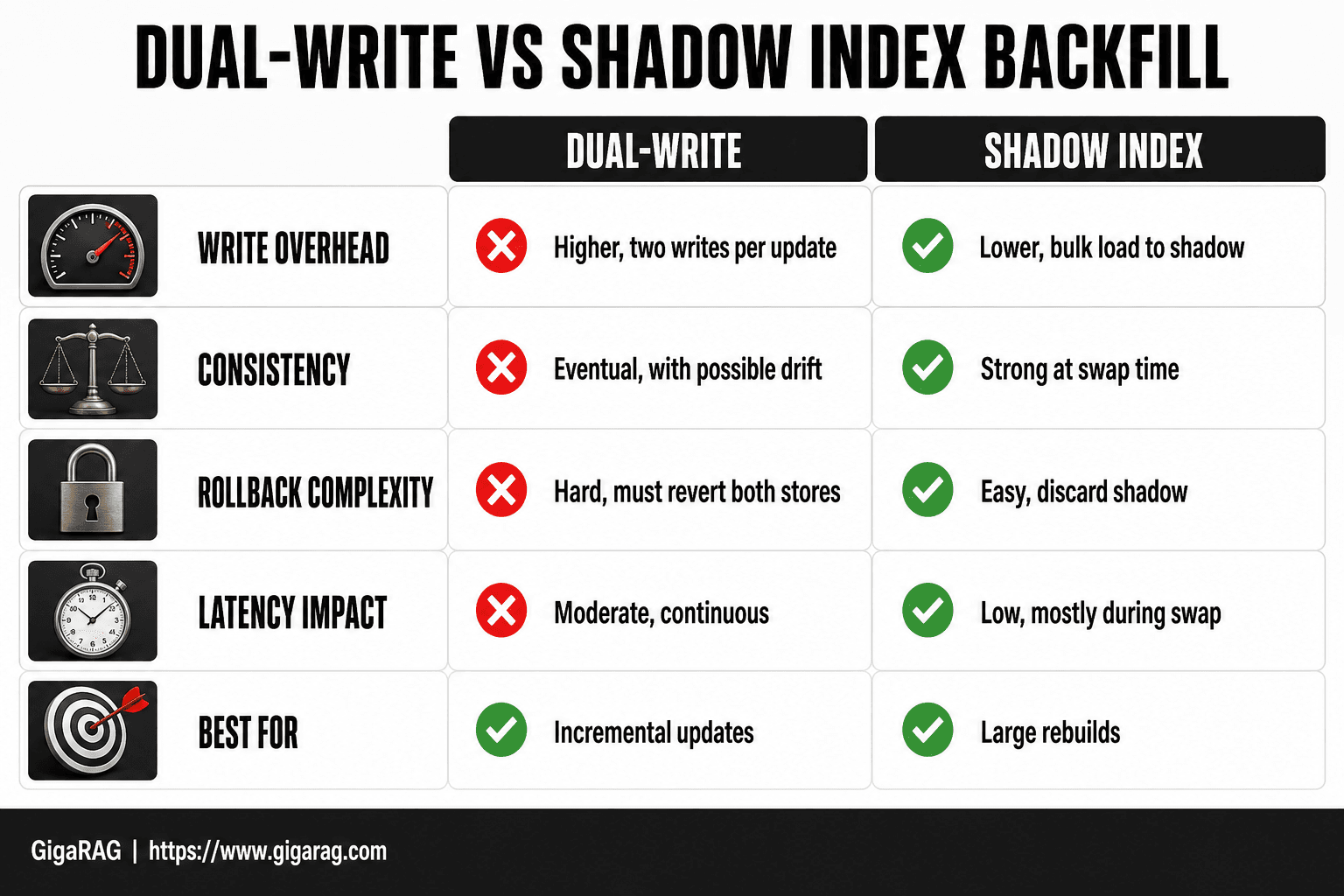
Dual-Write vs Shadow Index Backfill
| Factor | Dual-Write | Shadow Index |
|---|---|---|
| Write overhead | Higher (two writes per update) | Lower (bulk load to shadow) |
| Consistency | Eventual, with possible drift | Strong at swap time |
| Rollback complexity | Hard (must revert both stores) | Easy (discard shadow) |
| Latency impact | Moderate, continuous | Low, mostly during swap |
| Best for | Incremental updates | Large rebuilds |
Backfill Types and Modes for Retrieval Systems
Backfills come in three shapes. The one you pick depends on how much data changed and how stale your index already is.
Full index rebuild
You rebuild every embedding from scratch. This is the right call when you switch embedding models, change your chunking strategy, or discover your index has drifted badly from source data.
The catch: it's the most expensive mode. You're re-embedding your entire corpus, which costs compute and time. For a million-document index, that can take hours. You stage the new index in parallel, validate it, then swap. Queries keep hitting the old index until the cutover.
Incremental backfill
You only embed and load what changed. If 200 documents out of 50,000 were updated, you backfill those 200. This is the default mode for most retrieval pipelines because it's cheap and fast.
The tradeoff: you need a reliable way to know what changed. A last_modified timestamp works until it doesn't. Deletes are the classic gap. A document removed from source data won't show up in a timestamp query, so your index keeps returning it.
Streaming / CDC-based backfill
Change data capture watches your source database and pushes updates to your vector store as they happen. No batch job, no schedule. The backfill is continuous.
This works well for agent memory, where context changes constantly. The downside is complexity: you're running a CDC pipeline, which means another service to monitor and another failure mode when it lags.
Choosing the right mode for your retrieval store
Start with incremental. If your index is badly stale or you changed embedding models, go full rebuild. If your source data changes faster than a nightly job can keep up, CDC is worth the operational overhead.
It depends on two things: how much data changed, and how stale your retrieval results already are.
[!tip] For RAG pipelines, backfill embeddings in small batches during off-peak hours and use a separate read replica for validation queries to avoid impacting production latency.
Backfills Without Taking Retrieval Offline: A Step-by-Step Guide
- Assess current index size, query load, and latency SLOs to plan capacity.
- Choose a backfill pattern: dual-write for incremental updates, shadow index for full rebuilds.
- Provision a shadow index with identical schema and settings as production.
- Backfill data into the shadow index in batches, monitoring resource usage.
- Validate shadow index quality with recall and latency tests on a sample query set.
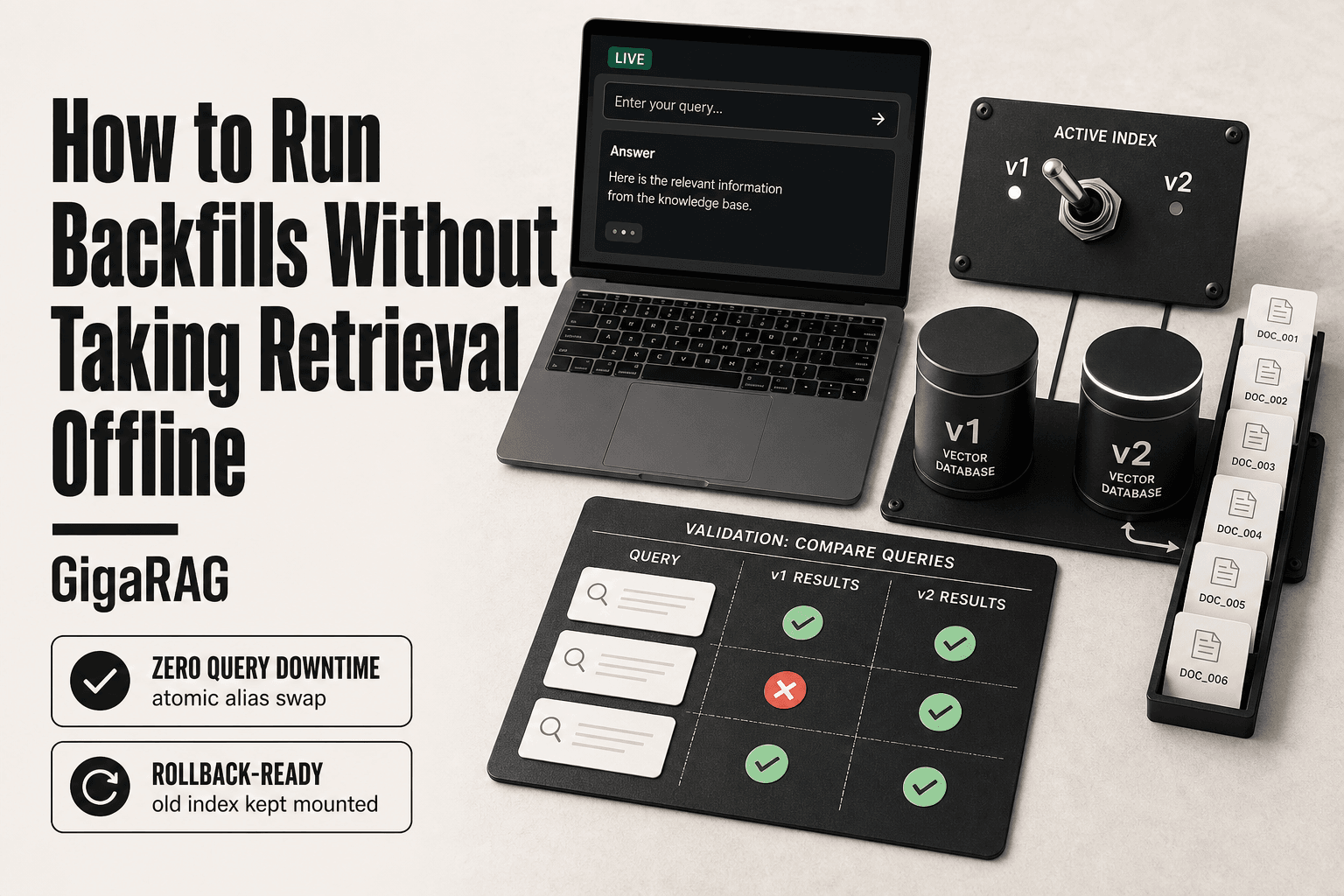
- Atomically swap the alias or pointer from old to new index.
- Monitor post-swap performance and keep the old index for rollback.
How to Backfill Properly: A Step-by-Step Process
The process below assumes you've already picked a mode from the previous section. It works for full rebuilds, incremental backfills, and CDC-based backfills alike. The goal is the same: update your index without a query ever hitting a half-built state.
Step 1: Snapshot and stage your source data
Take a consistent snapshot of everything you're about to embed. Don't read from a live table while it's being written to. You'll get torn reads: a document that's half-updated, or a row that disappears mid-backfill.
Stage the snapshot in object storage or a staging table. This gives you a fixed point to re-run from if the backfill fails. It also means your source system doesn't feel the load of your embedding job hammering it.
Step 2: Build the new index or memory store in parallel
Create a new index under a different name or namespace. documents_v2, memory_store_backfill_20250115, whatever your vector store supports. The old index keeps serving queries untouched.
Run your embedding job against the staged snapshot, not the live source. Write embeddings into the new index. Monitor throughput and error rates as you go. A backfill that's 90% done and silently dropped 10% of documents is worse than no backfill at all.
Step 3: Dual-write during the transition window
While the backfill job runs, new writes keep arriving. You need to capture them. Point your write path at both indexes: the old one for live serving, the new one so it doesn't fall behind.
This is the dual-write window. It's the trickiest part of the whole process. If your write path can't dual-write natively, you'll need a queue or a CDC feed that replays writes into the new index. The window should be as short as you can make it. Every hour of dual-write is an hour where the two indexes can drift apart.
Step 4: Validate consistency before the cutover
Compare the two indexes. Count documents. Sample queries and check that results match within a tolerance. Check that new writes from the dual-write window actually landed in the new index.
Don't skip this. A count mismatch of 3% might mean 3% of your corpus is missing from retrieval. That's not a rounding error. That's failed user queries.
Step 5: Atomic swap and rollback plan
Swap the index aliases or namespaces in one operation. Most vector stores support this: you update a pointer, and queries start hitting the new index immediately. No downtime, no partial state.
Keep the old index around for at least a few days. If retrieval quality drops or you find a bug, you swap back. The rollback is the same atomic operation in reverse. If your vector store doesn't support atomic alias swaps, you're stuck with a brief window where queries might hit a missing index. That's a limitation to plan around, not ignore.
Keeping Retrieval Online: Dual-Write and Atomic Swap Patterns
The previous section walked through the five-step process. This section digs into the two techniques that actually make zero-downtime backfills work: dual-write staging and atomic index swaps. Both come from change data capture, but they map cleanly onto vector stores and agent memory.
Dual-write staging for vector indexes
Dual-write means your write path sends every new document to two indexes at once: the old one still serving queries, and the new one being backfilled. The new index catches up on historical data from the staged snapshot while also receiving live writes. That keeps it from falling behind during the backfill window.
The catch: dual-write doubles your write throughput. If your embedding pipeline is already near capacity, you'll feel it. Keep the window short. A few hours is manageable. A week of dual-write is a recipe for drift.
Atomic swap: cutting over without dropping queries
Once the new index is validated, you swap aliases in a single operation. Queries start hitting the new index immediately. No gap, no partial state.
Most managed vector stores support this natively. If yours doesn't, you have a problem: a brief window where queries hit a missing or half-built index. Plan around that limitation, don't pretend it doesn't exist.
Handling query traffic during the transition
Queries keep hitting the old index until the swap. That's the whole point. But watch latency during the backfill: the embedding job competes for CPU and memory with query serving. If you're running both on the same cluster, expect some degradation.
The fix is resource isolation. Run the backfill on a separate worker pool or a different namespace. If you can't isolate, throttle the backfill during peak query hours. A slower backfill beats a degraded live retrieval system.
What to Avoid When Backfilling Retrieval Systems
The patterns above work when you respect their constraints. Most backfill failures come from skipping one of those constraints. Here are the four anti-patterns I see repeatedly in RAG pipelines and agent memory systems.
Drop-and-rebuild without a staging index
The naive approach: drop the old index, rebuild from scratch, point queries at the new one. That works for a database table with no live traffic. It fails for retrieval.
The moment you drop the index, every query returns nothing. Your users see empty results, your agent responds with "I don't have that context." Even a five-minute gap is a broken system. Always build the new index in parallel, validate it, then swap. The old index stays live until the cutover.
Non-idempotent backfill jobs
A backfill job that isn't idempotent will corrupt your index on retry. If a batch fails halfway through and you rerun it, non-idempotent writes create duplicate vectors or overwrite newer data with stale embeddings.
Make every write keyed by document ID or memory ID. Rerunning the same batch should produce the same index state. Test this explicitly: run a batch twice, compare counts, confirm no drift.
Skipping consistency validation
You cannot eyeball a vector index. A count match doesn't mean the embeddings are correct. Skipping validation means you'll discover the problem after the swap, when users report weird retrieval results.
Validate before cutover: sample queries against both indexes, compare top-k results, check that new documents appear and deleted ones don't. A ten-minute validation script saves a rollback.
Ignoring query latency during backfill
The backfill job competes with live queries for CPU, memory, and disk I/O. If both run on the same cluster, query latency spikes. You'll see p99 climb from 50ms to 300ms or worse.
Isolate the backfill workload. If you can't, throttle it during peak hours and monitor query latency throughout. A backfill that takes twice as long but keeps queries fast is the right trade.
What You Cannot Do: Honest Limitations of Online Backfills
The patterns above reduce risk. They don't eliminate it. Here's what no backfill strategy can promise you.
Zero latency impact is not achievable
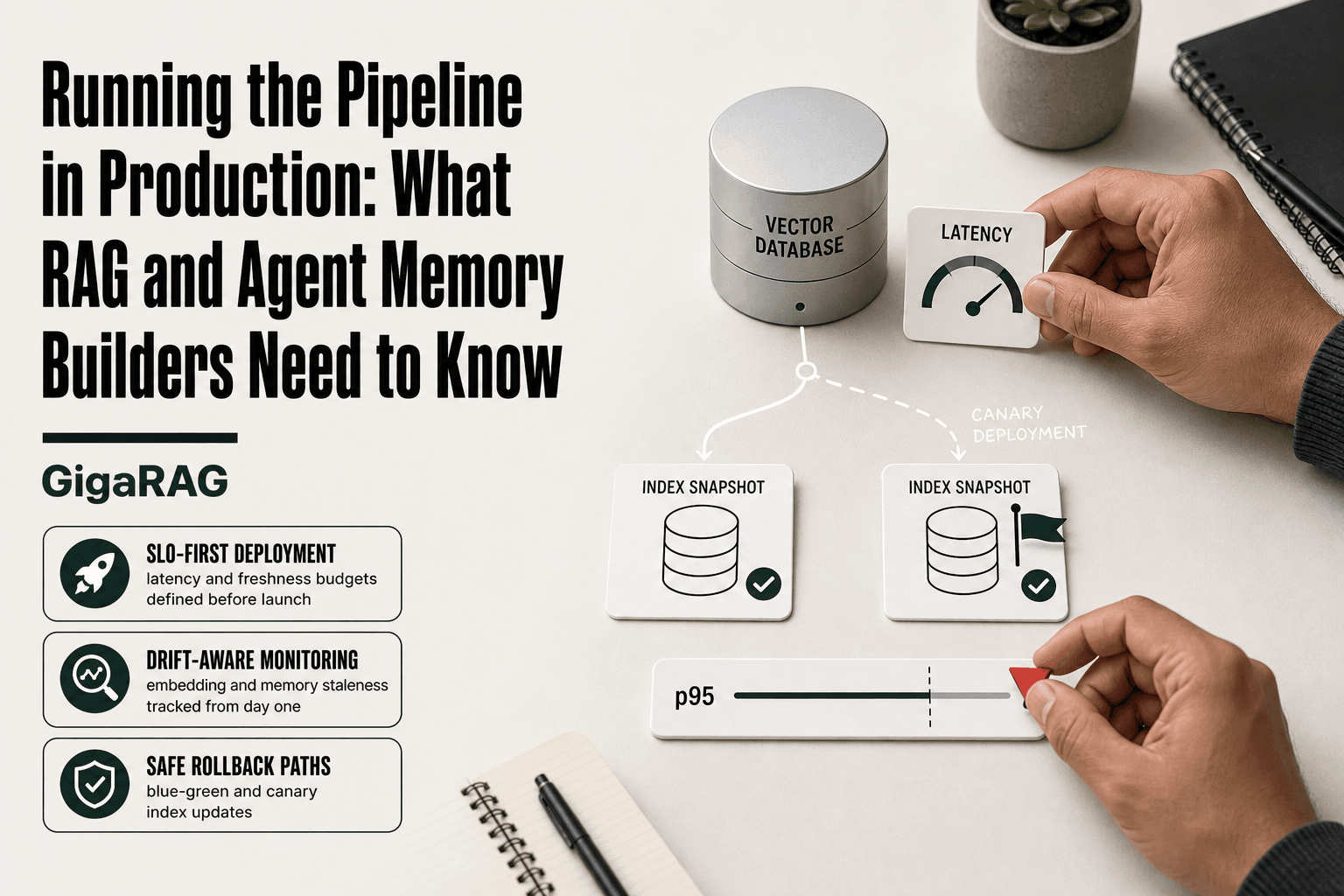
A backfill consumes CPU, memory, and disk I/O. Even with a separate staging cluster, the cutover itself has a cost: the atomic swap invalidates caches, and the first queries against the new index run cold. Expect a brief p99 spike during the transition. You can shrink it to milliseconds with warmup queries. You cannot make it zero.
Cross-store atomicity is a myth
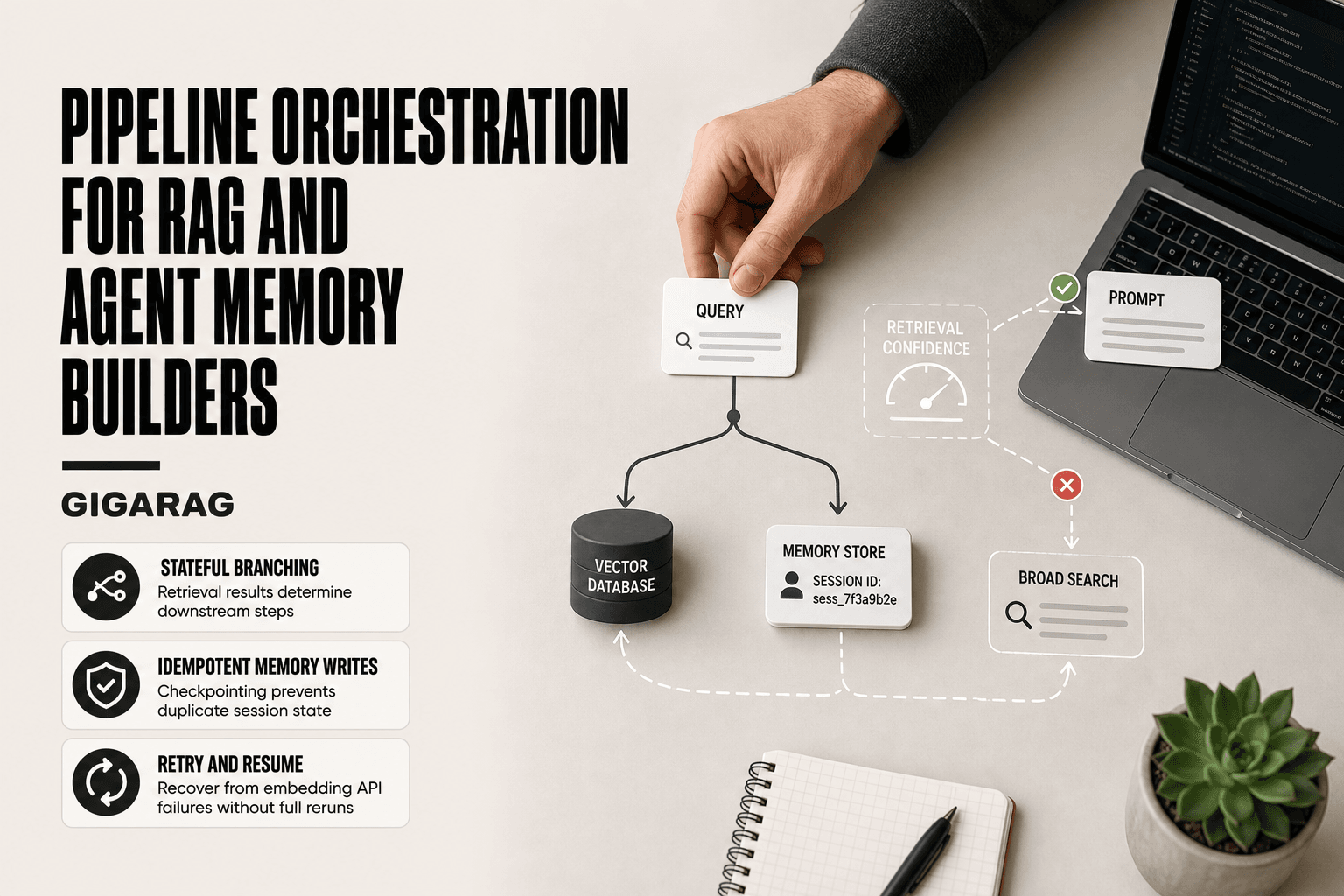
If your retrieval pipeline spans a vector index and a separate agent memory store, you cannot swap both atomically. Each store commits independently. There will be a window where one store has new data and the other doesn't. Your application code must tolerate that mismatch: serve from the old index while memory catches up, or version your queries to match the store state.
Consistency windows are unavoidable
Between the moment you snapshot source data and the moment the new index goes live, writes keep arriving. Those writes land in the old index, not the new one. Dual-write closes most of the gap, but not all of it: a write that arrives milliseconds before the swap may exist in neither index. Plan for a reconciliation pass after cutover. It's not a bug. It's physics.
Backfilling Agent Memory: Specific Considerations
Agent memory stores aren't vector indexes. They hold conversation history, tool outputs, and learned preferences. Backfilling them means replaying past interactions into a store the agent queries at runtime. The failure modes are different, and so are the fixes.
Episodic vs. semantic memory backfills
Episodic memory is the raw log: what happened, when, in which session. Semantic memory is the distilled version: facts, preferences, stable knowledge. Backfill them separately. Episodic backfills are append-only and safe to replay in bulk. Semantic backfills are trickier: you're regenerating summaries or embeddings from old episodes, and a bad prompt or model version poisons the distilled layer. Rebuild semantic memory from a clean episodic snapshot, never from the old semantic store.
Idempotent memory writes
Every memory write needs a stable key: session ID plus event ID for episodic, fact hash for semantic. Without that, a retried backfill duplicates entries and the agent repeats itself or double-counts evidence. Test by running the same backfill twice. The second run should change nothing.
Avoiding context corruption during backfill
Don't backfill into a store the agent is actively querying. A half-written memory looks like a real fact. Stage the new memory store, replay the full history, validate, then swap. The agent reads the old store until the swap commits. It's the same atomic pattern as vector indexes, applied to memory.
Preventing the Need for Backfills in Retrieval Pipelines
The best backfill is the one you never run. Most backfills happen because embeddings went stale or source data drifted out of sync. You can't eliminate every rebuild, but you can cut the frequency sharply with three design choices.
Incremental embedding pipelines
Don't regenerate the whole index when one document changes. Track which source records changed, re-embed only those, and upsert them by ID. This keeps your index fresh without a full rebuild. The catch: you need a reliable change log from your source system. Without one, you're guessing what changed.
CDC from source data to vector store
Change data capture reads the source database's write-ahead log and streams inserts, updates, and deletes downstream. Wire that stream to your embedding service, then to the vector store. New records get embedded within seconds of commit. Deletes propagate too, which batch jobs often miss. It's more moving parts, but it removes the stale index problem at the root.
Schema design for in-place updates
Store a stable document ID alongside every vector. If your schema separates metadata from embeddings, you can update a title or tag without re-embedding anything. Reserve re-embedding for content changes that actually alter meaning. That single distinction prevents most unnecessary backfills.
Common Mistakes When Running Backfills Without Taking Retrieval Offline
Even with a solid plan, three mistakes show up repeatedly in live backfills. Each one is fixable if you catch it early.
Mistake 1: No rollback plan
You built the new index, swapped it in, and queries started returning garbage. Without a rollback path, you're debugging in production while users hit errors. Keep the old index mounted and ready. A one-command swap back takes seconds. Rebuilding from scratch takes hours.
Mistake 2: Backfilling without monitoring
Latency spikes during a backfill are normal. Not seeing them is the problem. Watch query latency, error rate, and index size on the live store while the backfill runs. If p95 latency climbs past your baseline, throttle the backfill job. Don't wait for user complaints.
Mistake 3: Ignoring embedding version drift
You backfilled with a new embedding model but left old vectors in place. Now the index mixes two semantic spaces, and retrieval quality drops silently. Version your embeddings and re-embed the entire index when the model changes. Partial backfills across embedding versions corrupt relevance scores in ways that don't show up in logs.
The honest answer: backfills without taking retrieval offline fail most often on planning gaps, not infrastructure. Rollback, monitoring, and version discipline cost little upfront and save you from a broken index at 2 a.m.
Frequently Asked Questions
What should you avoid when backfilling?
Avoid running backfills during peak traffic, skipping validation of the new index, and assuming zero latency impact. Also, do not delete the old index until the new one is fully verified.
What does it mean to backfill data?
Backfilling means populating a new or updated data store with historical data that was not originally written to it. In retrieval systems, this often involves re-embedding documents or adding missing context to agent memory.
How to backfill properly?
Proper backfilling involves planning, using a shadow index or dual-write pattern, batching writes, monitoring performance, validating results, and having a rollback plan. Always test on a small scale first.
What is the backfilling process?
The process typically includes: assessing data volume, choosing a backfill strategy, setting up a target store, migrating data in batches, validating consistency, and switching over. It should be done with minimal impact on live traffic.
Can I backfill without any latency impact?
No, some latency impact is almost inevitable due to resource contention. However, you can minimize it by batching, scheduling during low traffic, and using separate resources for backfill operations.
How do I backfill agent memory?
Backfilling agent memory involves replaying past interactions or injecting missing context into the memory store. Use a shadow memory store, validate with test conversations, then swap. Expect eventual consistency, not atomicity.
About GigaRAG
GigaRAG is for agent memory and RAG pipeline builders. get this right. Whether you are working through backfills without taking retrieval offline or something adjacent, we publish what we have actually tested, including where it falls short.