How Many Files Can You Upload to ChatGPT?
An upload can be affected by its destination, plan, file category and size, recent upload activity, available storage, and temporary capacity restrictions.
Published figures can measure different things: a per-file limit, an upload allowance over time, or the number of files a Project or custom GPT can hold. Read the number alongside the destination and limit type.
For recurring codebase or document work, repeated chat uploads aren't unlimited project memory. This guide covers the plan and destination limits that matter, the file-size and format checks to make first, and a practical way to diagnose failed uploads.
Quick answer
Start with the file’s destination and category, then check the limit that applies there.
- A regular chat uses an upload allowance; Projects and custom GPT knowledge have their own file capacities.
- Check the file category’s size and token rules separately from storage and recent-upload limits.
- Limits may be reduced temporarily during busy periods.
The Short Answer
Start by identifying the upload destination. Chat attachments are governed by an upload allowance, while Projects and custom GPT knowledge have destination-specific file caps. Per-file size and text-token limits, storage, and temporary capacity reductions can also affect an upload.
Why there is no single ChatGPT file-count limit
A number of files can describe different constraints: an allowance over time, a Project capacity, a custom GPT knowledge capacity, or a per-file requirement. Compare figures only when they refer to the same destination and limit type.
Free vs. Plus vs. Pro: verified limits at a glance
| Plan | Regular upload allowance | Files per Project |
|---|---|---|
| Free | 3 files per day | 5 |
| Plus | 80 files per 3 hours | 25 |
| Pro | 80 files per 3 hours | 40 |
HOW TO // AI publishes these Project capacities and notes that availability may be reduced temporarily during peak demand. It also lists a 10-file lifetime capacity for custom GPT knowledge; each file must still meet the applicable size and token requirements.
Which Upload Limits Differ by Plan?
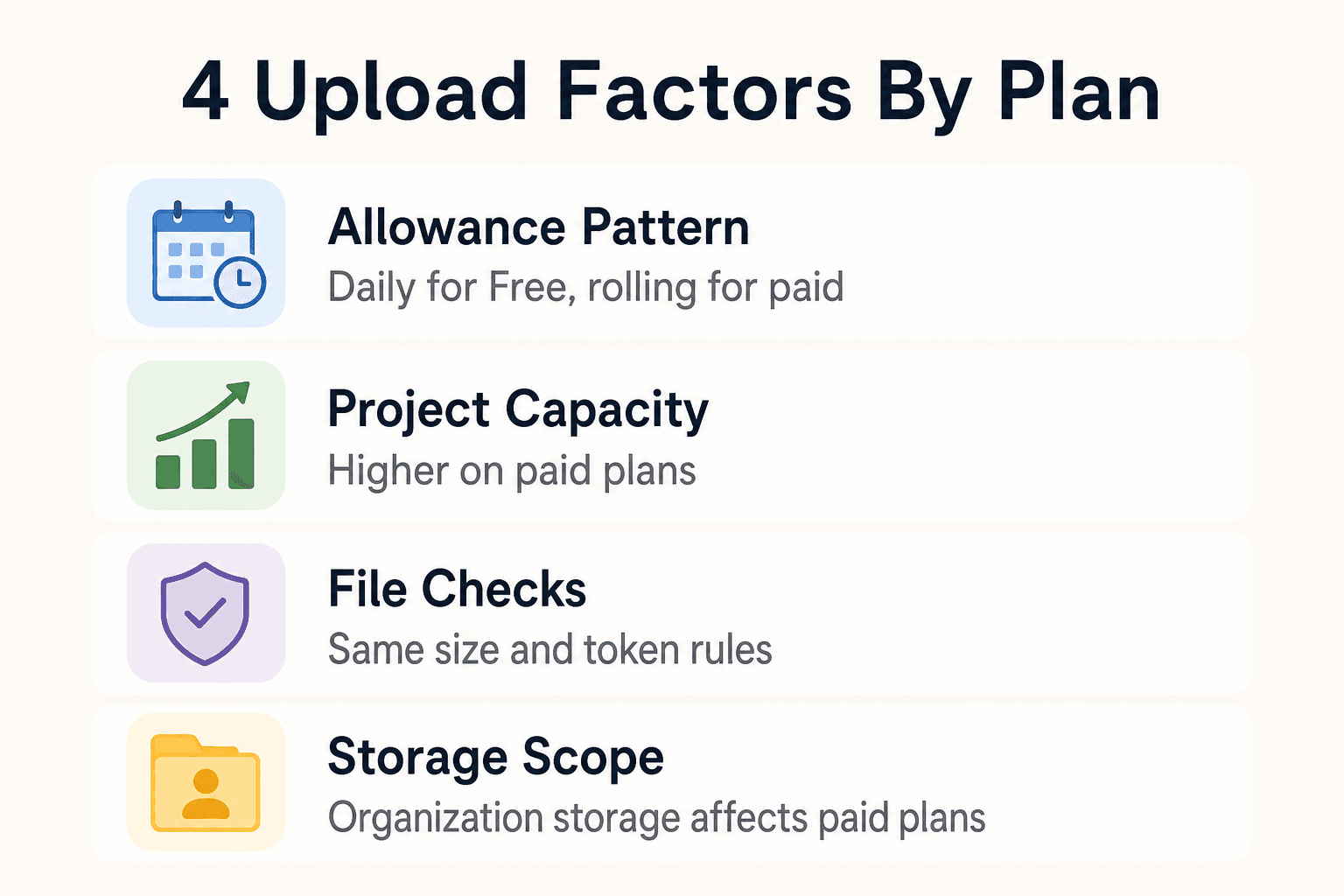
| Factor | Free | Plus and Pro |
|---|---|---|
| Allowance pattern | A daily allowance applies | Paid plans use a rolling allowance that may be reduced temporarily |
| Project workspace size | Best suited to a small, bounded file set | Higher Project capacities support larger bounded workstreams |
| File checks | File-category size and token rules still apply | The same file-category size and token rules still apply |
| Custom GPT knowledge | Up to 10 files per GPT for its lifetime | Up to 10 files per GPT for its lifetime |
| Storage | Personal storage can affect whether a valid file uploads | Personal storage and organization storage can affect whether a valid file uploads |
How File Upload Limits Work
The count in the table is only one counter. Before you assume an upload should work, check its destination, the file itself, your recent upload activity, and the storage tied to your account or workspace.
[!note] Documents and presentations can be up to 512 MB per file. Spreadsheets are limited to about 50 MB, images to 20 MB each, and text in a document to 2 million tokens. These are per-file requirements, not a measure of the files a Project or custom GPT can hold.
Files in a regular chat versus rolling upload allowances
Files attached to a regular chat count toward the upload allowance. Because that allowance can be rolling, recent uploads can affect whether another attachment is accepted.
Projects and custom GPT knowledge use separate file caps. Those caps describe the files allowed in those destinations; they do not establish how many new attachments a regular chat can accept.
Per-file size and text-token limits
HOW TO // AI’s file-upload limits distinguish the size rules for documents, spreadsheets, images, and paid-plan audio. A file category, rather than one universal size rule, determines the relevant check.
Text-heavy documents can hit a token limit even when their file size looks modest. A large PDF with lots of text may fail for that reason, while a spreadsheet can run into its own size and row-related constraints.
Personal and workspace storage quotas
Personal or workspace storage is another check. A file can meet its per-file rule but still fail if available storage has been used by prior uploads.
If storage may be full, review the files already associated with your account or workspace. If recent uploads may be the issue, wait for the applicable upload window before trying again.
Why temporary capacity limits can override normal allowances
Published allowances are not always available in full. Limits may be lowered during peak demand, and failed attempts can count toward a recent-upload total.
If uploads suddenly stop working, check recent attempts and the service status page before spending time reformatting a file that already fits the normal rules.
Step-by-Step: Find the Limit That Applies
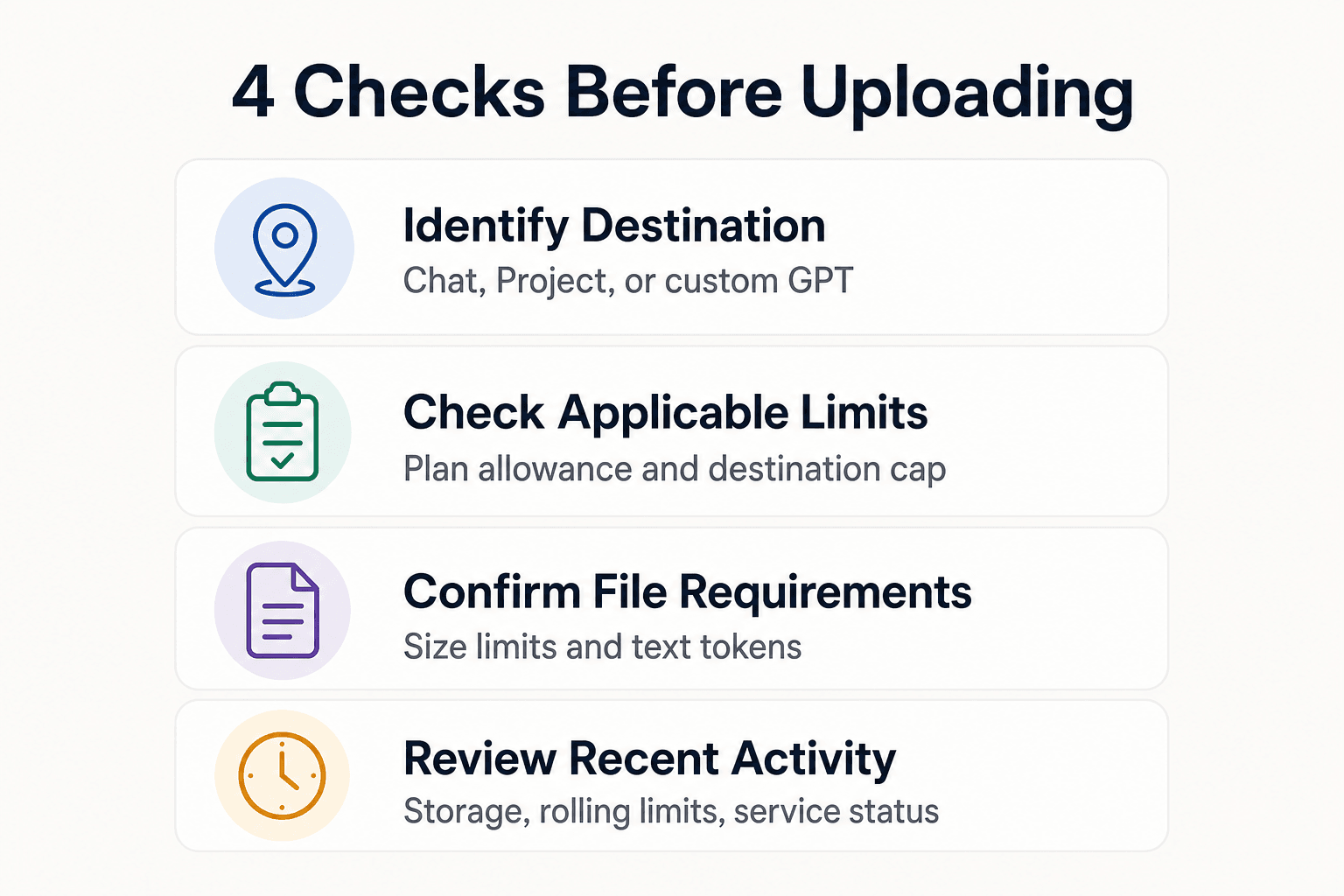
- Identify whether you are attaching files to a chat, a Project, or custom GPT knowledge.
- Check the relevant plan allowance and destination-specific file cap.
- Confirm the file fits its type-specific size limit and, for text documents, the token cap.
- Review recent uploads and allow for rolling limits or temporary reductions.
- If an upload fails, check storage, sign-in status, and the service status page before trying again.
File Size Limits and Supported File Types
A failed upload is not always a file-count problem. File type, size, and text-token limits can block an upload; a file that uploads successfully can still be too large or complex to analyze fully.
Documents, PDFs, code, and structured text
HOW TO // AI lists PDF, DOCX, TXT, and PPTX among accepted document and presentation formats. Markdown, JSON, XML, and YAML can also work with data analysis. Documents and presentations can be up to 512 MB, while text documents have a 2 million-token cap.
That cap doesn't apply to spreadsheets. A huge text export can fail even when its file size is well below 512 MB.
Spreadsheets and CSV files
XLSX, XLS, CSV, and TSV files have a separate limit of about 50 MB, depending on row size. Remove unused sheets and columns, or split the data by rows, when a workbook is too large.
Images and other media
PNG, JPEG, and non-animated GIF images are limited to 20 MB each. Convert HEIC or WEBP files to JPEG or PNG first. Audio files can be up to 512 MB on paid plans, while uploaded video may not be fully analyzed.
Can you upload a PDF?
Yes, if the PDF fits the document limits and the account still has upload availability. Outside Enterprise, the service reads a PDF’s text rather than images inside it, so scanned pages and charts may need separate image uploads.
Projects and Custom GPT Knowledge
A Project and a custom GPT store files for later use. A chat attachment supports the conversation you are having now, so neither destination's file count tells you how many files a regular chat can accept.
[!tip] For recurring codebase or document analysis, organize related material in a Project or custom GPT rather than repeatedly attaching the same files to individual chats; check that destination’s separate capacity first.
When to use a Project for ongoing work
Use a Project when the same set of working files belongs with a series of chats. Its file cap is destination-specific: Free allows 5 files, Go and Plus allow 25, and Pro allows 40.
That makes Projects useful for a bounded workstream, such as a release plan, a small research set, or a group of source files you will return to. It doesn't remove per-file size limits or your broader upload allowance.
How custom GPT knowledge differs from chat attachments
Custom GPT knowledge is for reference material that helps shape a custom GPT's answers across conversations. The documented cap is 10 knowledge files per GPT, for that GPT's lifetime.
This is not a chat-upload quota. Add a policy guide or a stable product manual when you want the custom GPT to refer to it, rather than attaching the same file whenever you start a new chat.
A practical boundary for large code and document collections
Projects and custom GPT knowledge have fixed file caps as well as the usual upload and per-file limits. Keep large codebases, changing document sets, and archives scoped to the material needed for the work at hand.
For repeated engineering work, keep uploads focused on the files needed for one task. If several agents need the same project knowledge across sessions and tools, GigaRAG can provide that shared memory through its central Hive Mind, with access controls for what each agent can use.
Why an Upload Can Fail Below the File-Size Limit
A file can be small enough and still fail because of an upload allowance, a destination-specific file cap, available storage, an unsupported format, or a temporary restriction.
Check the upload destination and recent upload activity
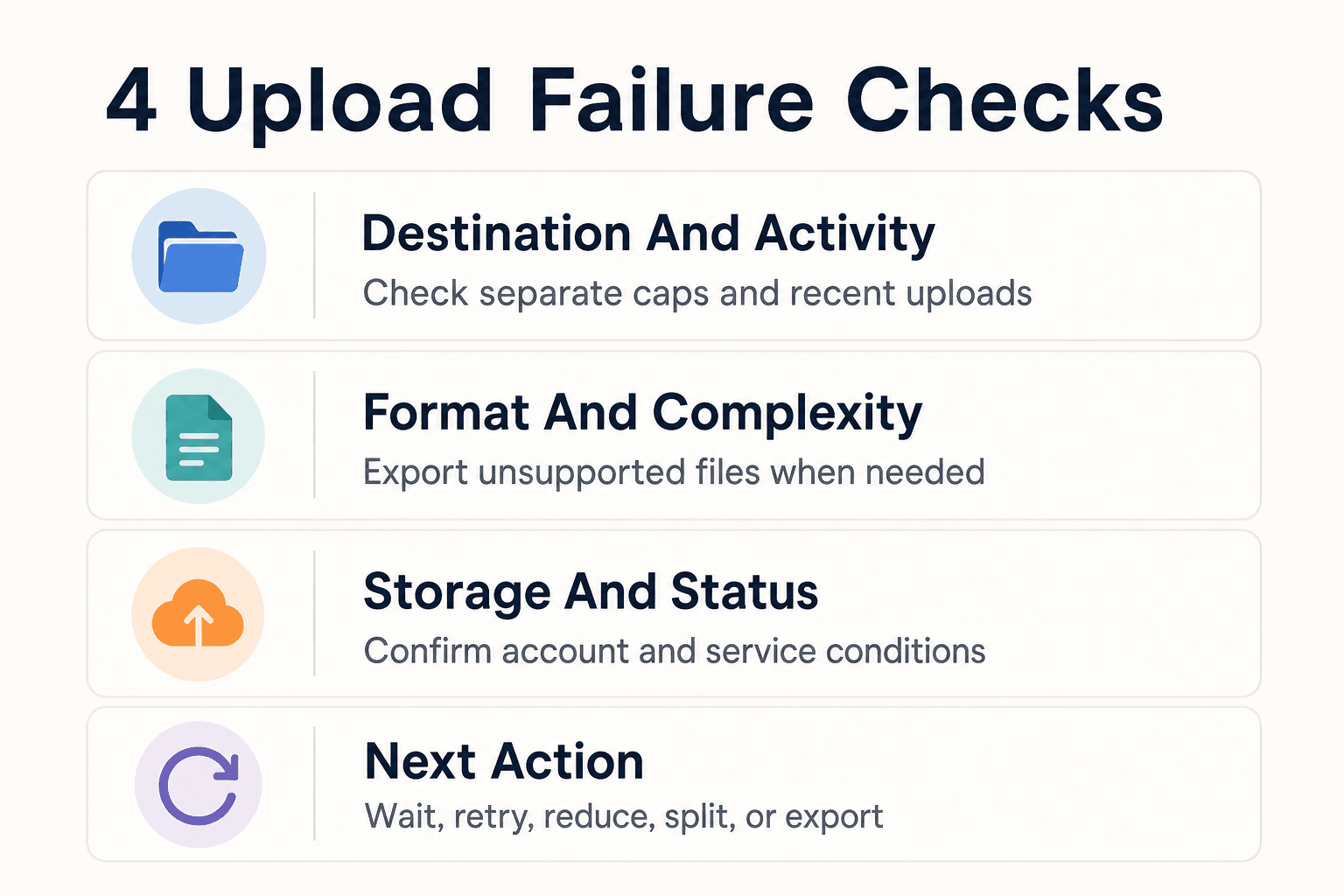
First, check where you are uploading: a regular chat, a Project, or custom GPT knowledge. Those destinations use separate caps, and recent uploads can count against a rolling allowance even when an earlier attempt failed.
The counter isn't visible. If you have uploaded several files recently, wait before trying again rather than repeatedly submitting the same file.
Confirm file format, size, and content complexity
Check the file type as well as its size. The service accepts documents, spreadsheets, presentations, images, and paid-plan audio formats, but a Google Docs shortcut file will not upload, for example. Export it as a PDF or DOCX instead.
An upload can also succeed but produce incomplete results. Large, scanned, image-heavy, or complex files may be harder to read fully, so split the task into a page range, chapter, sheet, or smaller extract.
Check storage, account, and service-status conditions
Make sure you are signed in to the account with the expected plan and storage space. Uploads can fail when personal or workspace storage is full, and limits may be lowered during busy periods.
Check the service status page when failures affect unrelated files. If the service is operating normally, then assess whether the PDF’s format, size, or content is also contributing to the failure.
What to do next: wait, retry, reduce, split, or export
Wait if you may have hit a recent-upload limit. Retry once after checking your account, then reduce the file to the part you need, split a large document or spreadsheet, or export an unsupported file to a supported format.
Don't keep retrying blindly. Failed attempts can count toward your allowance, leaving you with less room for the file that matters.
Use Chat Uploads for Focused Tasks and Plan Recurring Work
Chat uploads work well for bounded tasks such as reviewing a pull request, extracting facts from a document, comparing a few files, or turning a defined input into a draft. For a larger ongoing effort, use destination capacity and file rules to decide what belongs in the current task.
For recurring work, keep the upload set intentional: select the source files that answer the current question, confirm the destination’s capacity, and account for recent-upload and storage constraints.
A simple decision rule for recurring engineering work
Use uploads when the task has a clear end: "review this diff," "explain this error log," or "summarize these design notes." Keep the source files small and scoped to the question.
For recurring work, choose the smallest useful set of source files for the current task. Use a Project or custom GPT when its destination-specific capacity and reuse model fit the work.
Frequently Asked Questions
Do failed uploads count toward ChatGPT's limit?
They can. The upload-limit reference notes that failed attempts may count toward the recent-upload allowance, so avoid repeatedly submitting the same file. Wait for the applicable window before trying again.
How many files can Free users upload?
Free accounts have an allowance of three files per day. A Free Project can hold five files; that Project capacity is separate from the daily upload allowance, and temporary conditions can reduce availability.
How many files can ChatGPT Plus and Pro users upload?
Plus and Pro accounts can have a rolling allowance of up to 80 files per three hours. Plus Projects can hold 25 files and Pro Projects 40 files. Temporary capacity reductions may lower upload availability.
Can I upload a PDF?
Yes. PDF is a supported document format when the file fits the document limits and the account has upload availability. Outside Enterprise, scanned pages and charts may need separate image uploads because the service reads PDF text rather than images within the PDF.
What is the maximum file size you can upload?
Documents and presentations can be up to 512 MB. Spreadsheets are limited to about 50 MB, depending on row size, and images to 20 MB each. Text documents also have a 2 million-token limit.
Why does ChatGPT say I've reached my file upload limit?
You may have reached a rolling upload allowance, a destination-specific file cap, or a storage quota. Failed upload attempts can count toward the allowance, and temporary capacity reductions can also affect availability.
When does the upload limit reset?
The 80-file rate is measured over a rolling three-hour window, while Free has a daily allowance. The time before another upload is available therefore depends on when recent uploads occurred.
Do Projects and custom GPT knowledge use the same file limit?
No. Project capacity varies by plan: Free allows 5 files, Plus allows 25, and Pro allows 40. Custom GPT knowledge has a separate 10-file lifetime capacity per GPT.
Why can a file fail to upload even when it is below the size limit?
It may exceed the text-token limit, use an unsupported format, or run into an upload allowance, a destination-specific file capacity, available storage, or a temporary restriction. A successful upload can also produce incomplete analysis when the file is large or complex.
About GigaRAG
GigaRAG is a shared memory platform for AI agents that helps developers and teams keep project knowledge available across sessions and tools. Connect your agents to a central Hive Mind through MCP or the API, with access controls to manage what each agent can use.


