
ChatGPT Project file limit: What developers need to know
Published upload figures should be treated as dated records unless they are tied to a specific announcement and audience. This guide focuses on the one supplied historical figure and on practical ways to keep a coding reference set manageable.
For coding work, keep the references selected for the current task distinct from the broader knowledge your team maintains over time. GigaRAG is one option for keeping project knowledge available to AI agents across sessions and tools.
Quick answer
A historical business announcement reported that Team and Enterprise Projects supported up to 40 file uploads when it was published. Use the figure as a dated reference, not as a general current rule.
- Cite a dated first-party announcement when publishing a historical upload figure.
- Do not present a historical figure as a current rule for every account.
- Keep broadly shared project knowledge in a maintained source of truth outside a task-specific reference set.
ChatGPT Project file limit: the historical 40-upload announcement
Your ChatGPT Project file limit depends on your plan, so there is no safe universal number to quote. Check the current OpenAI Help Center guidance for your plan before treating a file-count figure as current.
[!note] The supplied announcement is a historical record for Team and Enterprise Projects. Cite it with its original scope rather than using it to infer a general current limit.
The announcement identifies its audience and the figure it reported. It should be cited with that scope and date rather than extended to accounts or circumstances the post does not name.
How to cite a historical limit responsibly
State who the announcement covered, the figure it reported, and that the figure is historical. Avoid extending the announcement to plans, accounts, or dates it does not identify.
For an operational decision, use documentation that addresses the product setting and date relevant to the decision. An archived announcement can document a past change without answering every current configuration question.
Build a focused reference set
Choose references that define the task: current architecture notes, active specifications, interfaces, and recorded decisions. Give each item a clear reason to be included.
Keep task materials separate from the broader repository and team knowledge. Treat the task package as a selected working set and keep canonical materials in the system your team maintains.
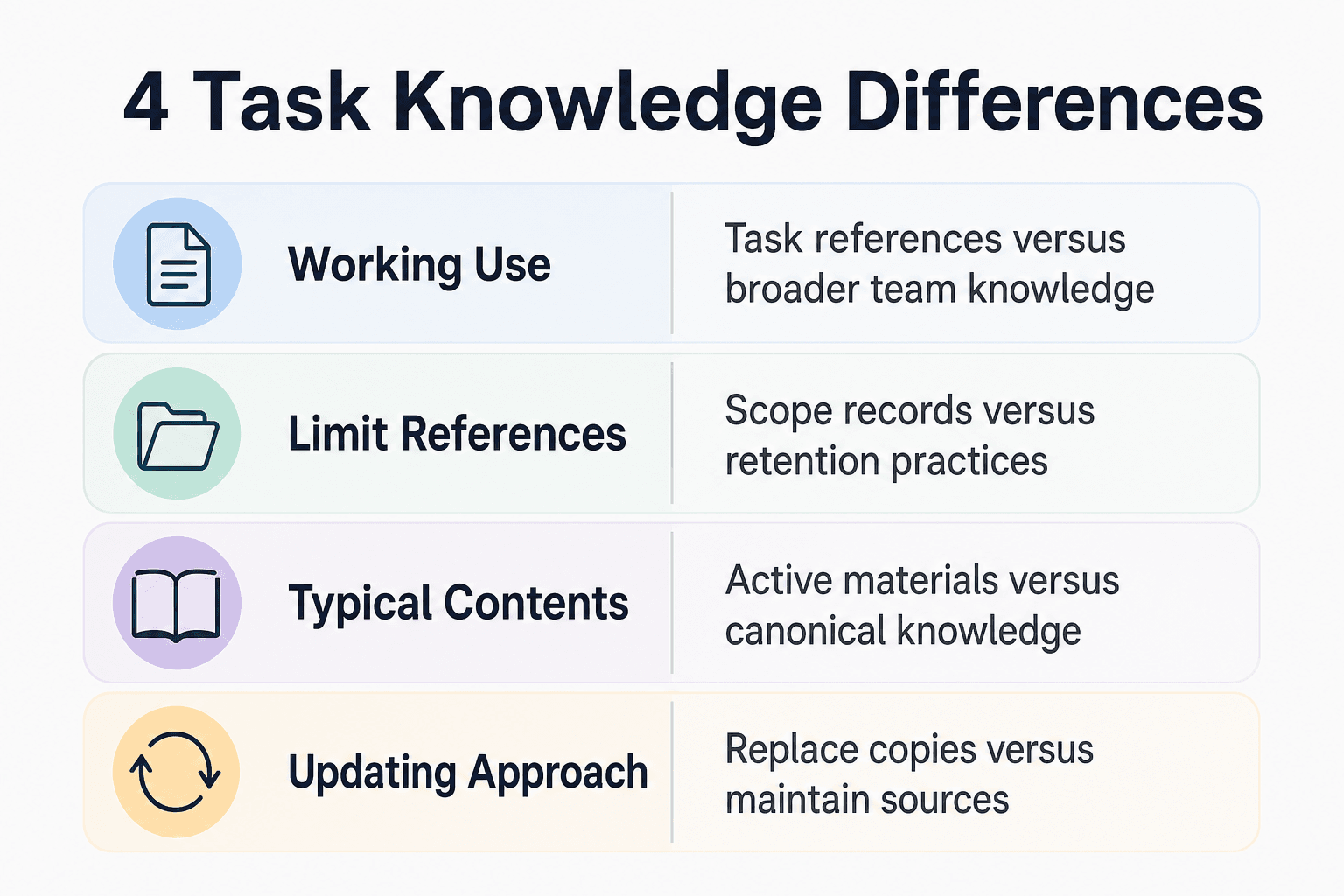
Task references vs. shared project knowledge
| Factor | ChatGPT Project | External knowledge layer |
|---|---|---|
| Working use | References selected for one task | Knowledge maintained for broader team use |
| Limit references | Record the product, audience, date, and published figure | Set retention and retrieval practices for the chosen system |
| Typical contents | Active specifications, decisions, and key references | Canonical codebase knowledge and shared team decisions |
| Updating approach | Replace task materials when they are superseded | Keep maintained materials current |
For teams that want a shared knowledge layer for AI agents, GigaRAG provides a central Hive Mind that agents can connect to through MCP or the API. Its access controls manage what each agent can use.
Organizing references when limits are unclear
When a product message or published rule is unclear, record the exact wording, the affected account or workspace, and the date. Compare that record with documentation that explicitly covers the situation.
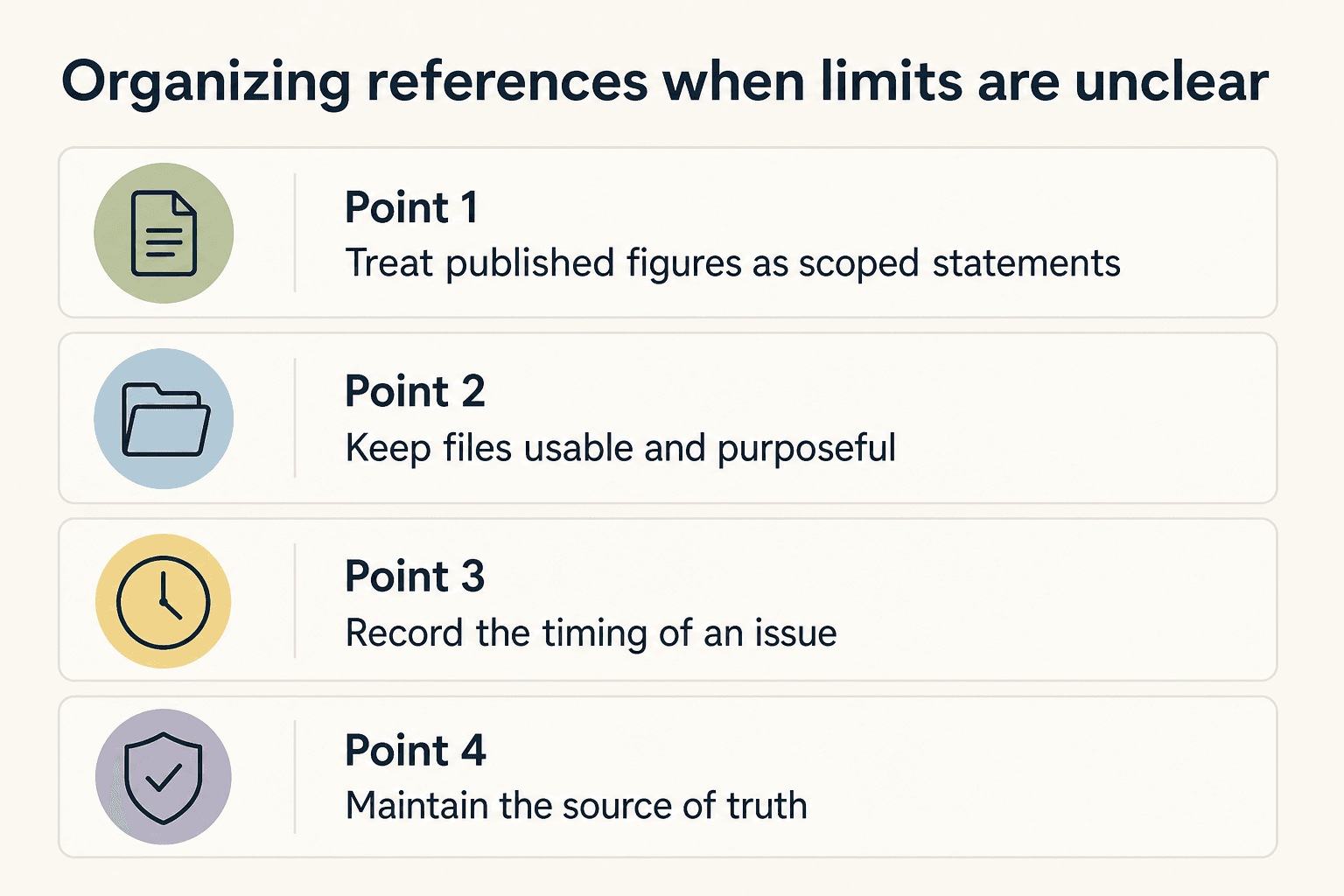
Treat published figures as scoped statements
A published figure applies within the scope stated by its source. Record the audience, date, and product setting alongside any number you cite.
Do not turn a scoped announcement into a general workflow assumption. Design reference practices that remain useful even when a quoted figure does not apply.
Keep files usable and purposeful
Before adding material to a task reference set, favor readable, current documents that answer a concrete engineering question. Keep the original source available where the team maintains it.
If a file cannot be added, preserve the message you received and consult documentation that addresses that product and file type. Avoid deleting useful references until you know what the message covers.
Record the timing of an issue
Note when the issue occurred, what action preceded it, and the exact message shown. Those details create a record you can compare with applicable documentation or provide when asking for support.
Avoid repeated trial-and-error uploads while the issue is unresolved; instead, preserve the details needed to compare against applicable documentation.
Maintain the source of truth
Keep canonical files in the repository, documentation system, or knowledge store your team maintains. Treat task reference copies as selected working materials, not as the only copy of important knowledge.
When removing a working copy, follow your organization's retention and records practices for the canonical source.
Separate task guidance from source materials
Task guidance explains the goal, constraints, and expected output. Source materials provide the specifications, interfaces, and decisions needed to do the work.
Keep both concise and link them to the maintained source of truth. This lets a collaborator locate the supporting material without turning one task package into a repository dump.
Step-by-step: Organize context for a coding project
- Identify the information required for the task and the information that must remain available to the wider team.
- Select a small, relevant set of specifications, design decisions, and reference files for the task.
- When citing a product limit, confirm that the source covers the relevant audience and date.
- If an upload fails, save the exact message and compare it with documentation that applies to the product and file involved.
- Keep canonical code and broader knowledge in the maintained system your workflow uses for shared access.
- Update the task package when key decisions or source material change.
When an upload limit affects your workflow
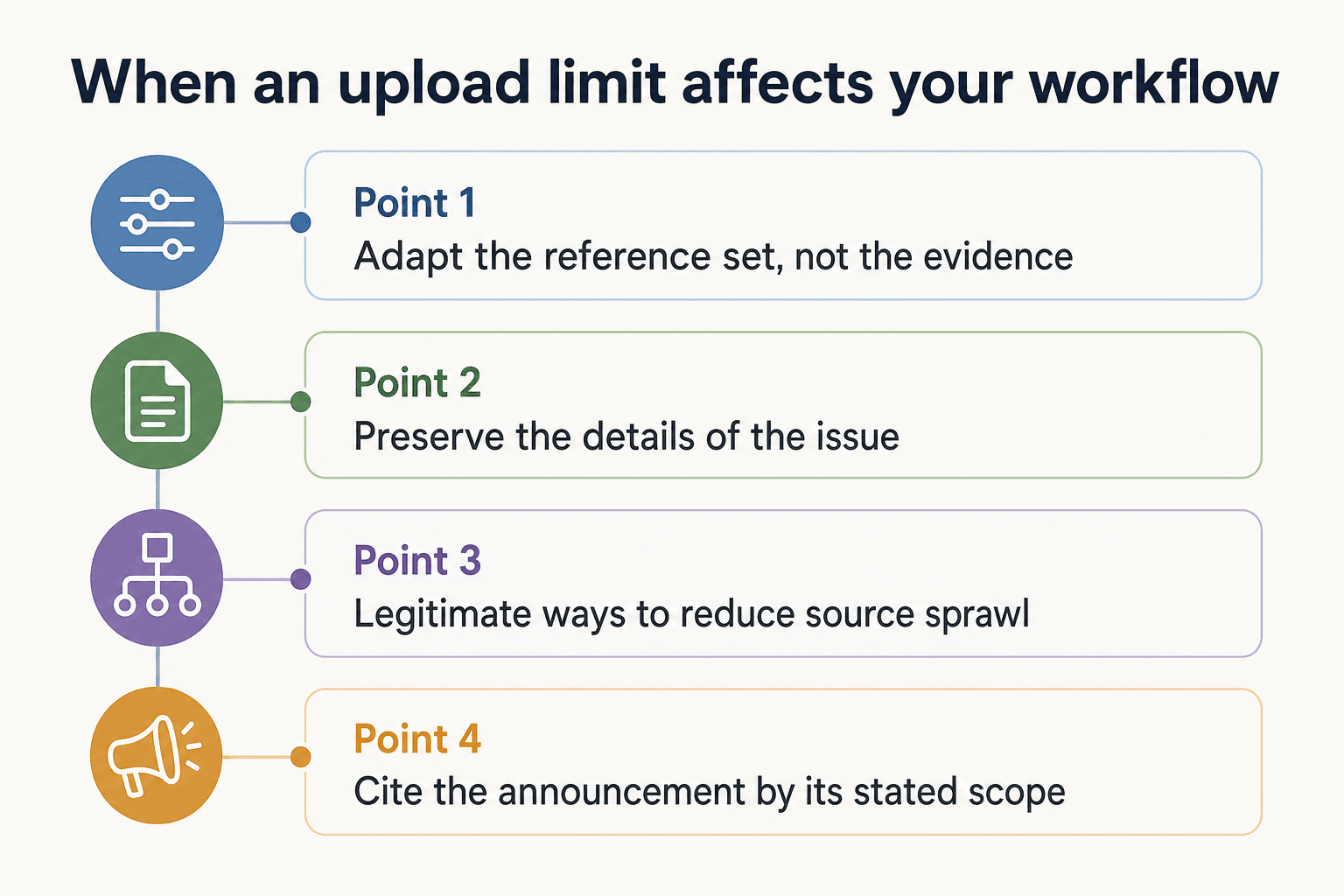
Adapt the reference set, not the evidence
If a stated limit affects a task, reduce the working set to the material that defines the change. Keep the full set of canonical documents in its maintained home.
Document what you excluded and where it lives so another contributor can retrieve it when needed.
Preserve the details of the issue
Capture the exact error or notice, the date, the action attempted, and the account or workspace involved. Use those details when consulting applicable product documentation or support.
Change the workflow only after you have identified what the available evidence actually says.
Legitimate ways to reduce source sprawl
If the Project has too many sources, keep files that define the work: architecture notes, interfaces, active specs, and decisions. Combine related stable documents where doing so preserves meaning. Remove or replace superseded drafts, generated output, and duplicate exports.
This is curation, not a substitute for shared knowledge. When information must remain available across tools or sessions, GigaRAG can keep project knowledge available to connected AI agents.
Cite the announcement by its stated scope
A practical context workflow for coding agents and teams
When work moves among an IDE agent, issue tracker, CI logs, and task conversations, keep shared decisions and canonical references in a location the workflow can reach. Build each task package from the relevant slice of that maintained knowledge.
[!tip] For coding work, assemble a concise task package: the current architecture note, relevant specification, interfaces, and the decisions that constrain the change. Keep broader material in the team's maintained source of truth.
Start with a small, maintained source set
Do not start with a whole repository by default. Start with the files that establish the system boundary, the requested change, and the rules the change must respect.
Include materials that answer the hard questions: what the service does, where its boundaries sit, and which rules a change must not break. Refresh the set when those answers change.
Separate stable context from task artifacts
Keep stable context apart from task artifacts. Stable context includes architecture, public interfaces, data rules, and decisions that should survive a sprint.
Task artifacts include a bug report, a patch plan, recent logs, and a draft migration. Add these for the work at hand, then replace or remove them when they stop being current.
Use concise, high-value sources
Use documents that directly address the task. An architecture note can describe ownership, data flow, and dependencies, while an interface document can define inputs, outputs, and failure cases.
Record architecture decisions that involve trade-offs, and keep runbooks for repeat incidents and deployment steps. Include the records that are relevant to the task rather than adding a broad source dump.
Treat integrations and agent handoffs as context boundaries
A handoff is a boundary. When work moves to another agent or tool, provide the task goal, relevant files, constraints, and what has already changed.
Record decisions and open questions in a shared location so they are available at the handoff boundary. GigaRAG supports this model by keeping project knowledge available across sessions and tools, with access controls for connected agents.
Choose a shared knowledge approach that matches the tools and agents in your workflow, then define who may access which materials.
Choose the right home for each kind of knowledge
Use a focused task package for the immediate change and a maintained knowledge layer for decisions, codebase context, and references that must be reused across work.
The right arrangement depends on where work happens. When several systems need the same decisions, maintain those decisions separately and bring the relevant slice into each task.
A checklist for citing historical upload figures
When publishing a historical Project upload figure, preserve its source, date, and stated audience. That context tells readers what the figure documents without presenting it as a rule beyond the announcement.
Use a focused task package for the current change, and keep broader project knowledge in a maintained source of truth that fits the tools your team uses.
Source-check checklist
Use this checklist before you publish or update guidance:
- Check the current official page for the relevant subscription plan.
- Link each published historical limit to its exact source.
- State the limit's stated scope before suggesting a workflow change.
- Remove any number you cannot support with a source.
- Explain which knowledge belongs in a task package and which belongs in the shared source of truth.
Frequently asked questions
How should I distinguish a historical upload figure from a current product rule?
Identify the announcement's audience, date, and exact figure. Use it to describe the historical announcement, and seek documentation that addresses the setting relevant to any current decision.
How should I handle an upload problem when the published rule is unclear?
Save the exact message, the date, the action attempted, and the account or workspace involved. Then consult documentation or support material that specifically covers that situation.
What should I do instead of relying on a workaround?
Curate the materials needed for the current task, keep canonical files in their maintained home, and document excluded references so they can be retrieved when needed.
What should I do when a task needs more source material than I can reasonably include?
Keep the most relevant references in the task package and maintain the broader material in a shared source of truth suited to your workflow.
Where should I look for documentation that applies to my setup?
Look for product documentation or support material that identifies the feature, account setting, and date relevant to your question. A historical announcement may provide context without resolving a current configuration question.
How should I document a file-related limit?
Use a source that identifies the relevant product behavior, audience, and date. Do not infer file requirements from a separate historical count announcement.
Should I include an entire codebase in a task reference set?
Start with the technical references that define the requested change: architecture, interfaces, active specifications, and decisions. Keep the canonical codebase in its maintained source of truth.
How should teams share knowledge across AI tools and agents?
Maintain shared decisions and canonical references in a source the relevant workflow can access, then provide each task with the materials it needs.
What details should accompany a published upload number?
Include the source, publication date, audience, and the wording of the figure. These details help readers understand what the number covers.
What should I do if I need to add more files than my task package can hold?
Keep the files that define the current change in the task package, and leave broader reference material in the maintained source of truth. Record where excluded material lives so contributors can retrieve it when needed.
About GigaRAG
GigaRAG is a shared memory platform for AI agents that helps developers and teams keep project knowledge available across sessions and tools.
Connect agents to a central Hive Mind through MCP or the API, with access controls to manage what each agent can use.


