How to Fix RAG Retrieval That Misses Relevant Documents
How to Fix RAG Retrieval That Misses Relevant Documents starts with a familiar problem for RAG and agent-memory pipeline builders: a user asks about a source you know is in the knowledge base, yet the system returns weak context or says it cannot find an answer. The miss isn't automatically an embedding or vector database problem. If parsing lost the text, the index never received it, or a metadata filter blocked it, changing top-k or a reranker won't bring it back.
Don't start with a universal chunk size, model, or search setting. Those changes help only after you know where the expected document drops out. The honest answer is that no setup guarantees recall for an ambiguous query, an unavailable source, or an incorrectly ingested file.
Quick diagnosis
A missed document does not, by itself, identify an embedding or vector-search problem. Trace the expected source through each pipeline stage before choosing a fix.
- Reproduce the miss with a labeled query and expected document.
- Check whether the source text survived parsing.
- Inspect indexed chunks and their metadata.
- Review filters and retrieval traces for the query.
- If retrieval succeeded, inspect post-retrieval handling.
How to Fix RAG Retrieval: Start With a Reproducible Miss
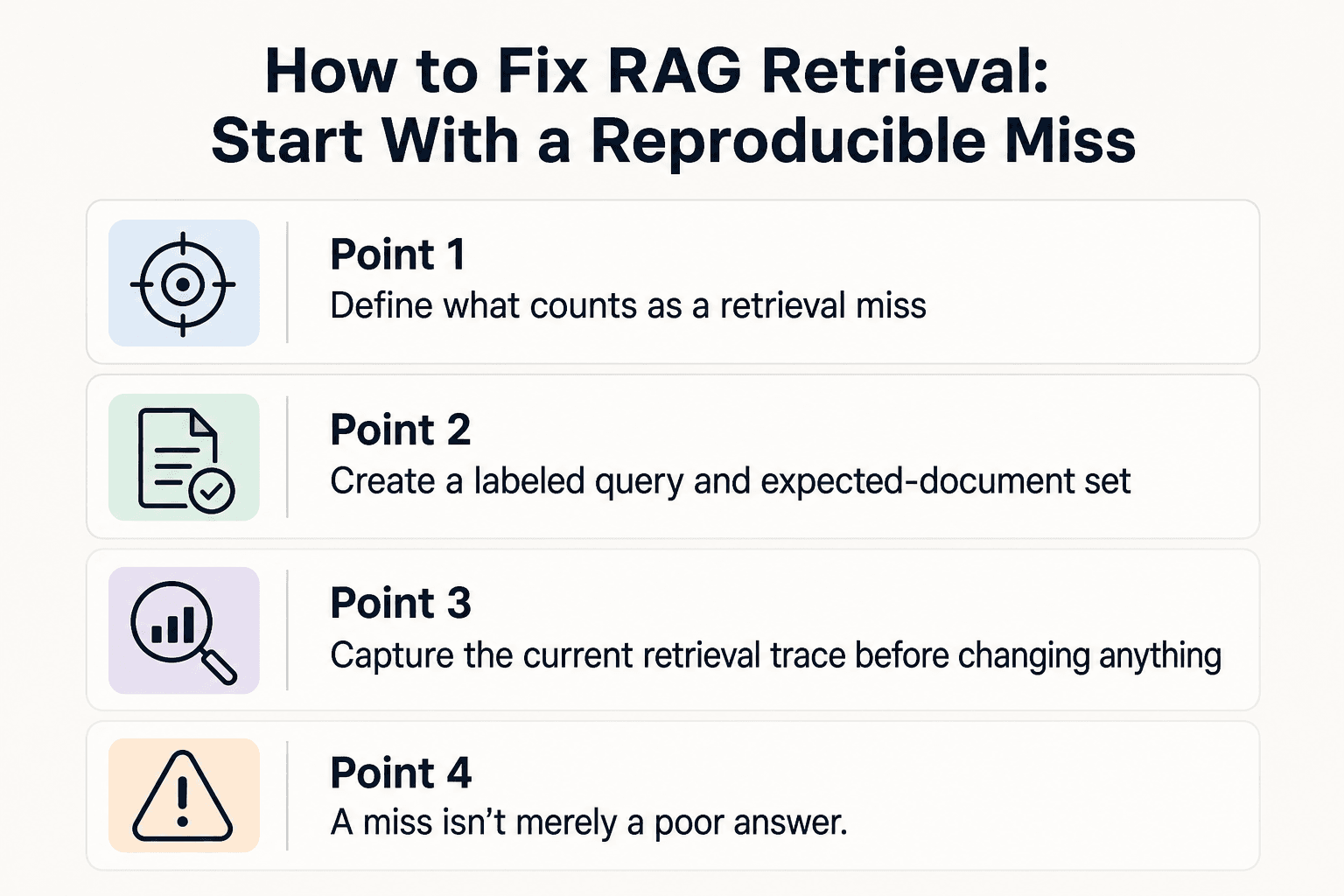
A RAG retrieval miss is fixable only when you can reproduce it: save the exact query, name the expected source and passage, and record what the system retrieved instead. This record tells you whether to inspect ingestion, chunks, filters, search, or ranking instead of changing settings blindly.
Define what counts as a retrieval miss
A miss isn't merely a poor answer. It occurs when a query that should retrieve a known source fails to return the answer-bearing document or chunk in the result set you inspect.
Start with retrieval, not generation. If the expected passage appears in retrieved context but the answer is wrong, you have a prompting or generation problem instead.
Create a labeled query and expected-document set
Turn each report into a small test case: the query, expected source ID, expected passage or section, and required metadata such as tenant, date, or access level. Keep the query unchanged.
The source must contain the needed text. If it was never ingested, was removed, or sits outside the user's allowed corpus, embeddings can't fix it.
Capture the current retrieval trace before changing anything
Record the query sent to search, active filters, index name, top-k value, returned chunk IDs, scores if available, and reranked order. Save the result before you tune anything.
This is your baseline. Without it, you can't tell whether a change fixed the miss, shifted it to another query, or did nothing.
Knowledge-base retrieval vs agent-memory retrieval
| Factor | Knowledge-base RAG | Agent-memory retrieval |
|---|---|---|
| What to check | Source coverage, parsed text, chunks, and metadata | Memory identity, session, and recency constraints |
| Expected document | The relevant source or passage for the query | The memory that matches the user, session, and time context |
| Useful trace | The query, filters, retrieved chunks, and their source | The query context, memory scope, filters, and retrieved entries |
[!tip] For agent memory, include identity, session, and recency expectations in each labeled test case. A relevant memory from the wrong context does not count as a successful retrieval.
Step 1: Audit parsing, source coverage, and indexing
Before you tune retrieval, prove that the expected text made it into the searchable system. Chunking can't restore text lost during parsing, and reranking can't find a document that never reached the index.
Confirm the source exists in the intended corpus and index
Check the source ID, version, ingestion status, corpus, and index name against your test case. A file can exist in storage while its chunks sit in a different tenant, environment, collection, or index than the one your query uses.
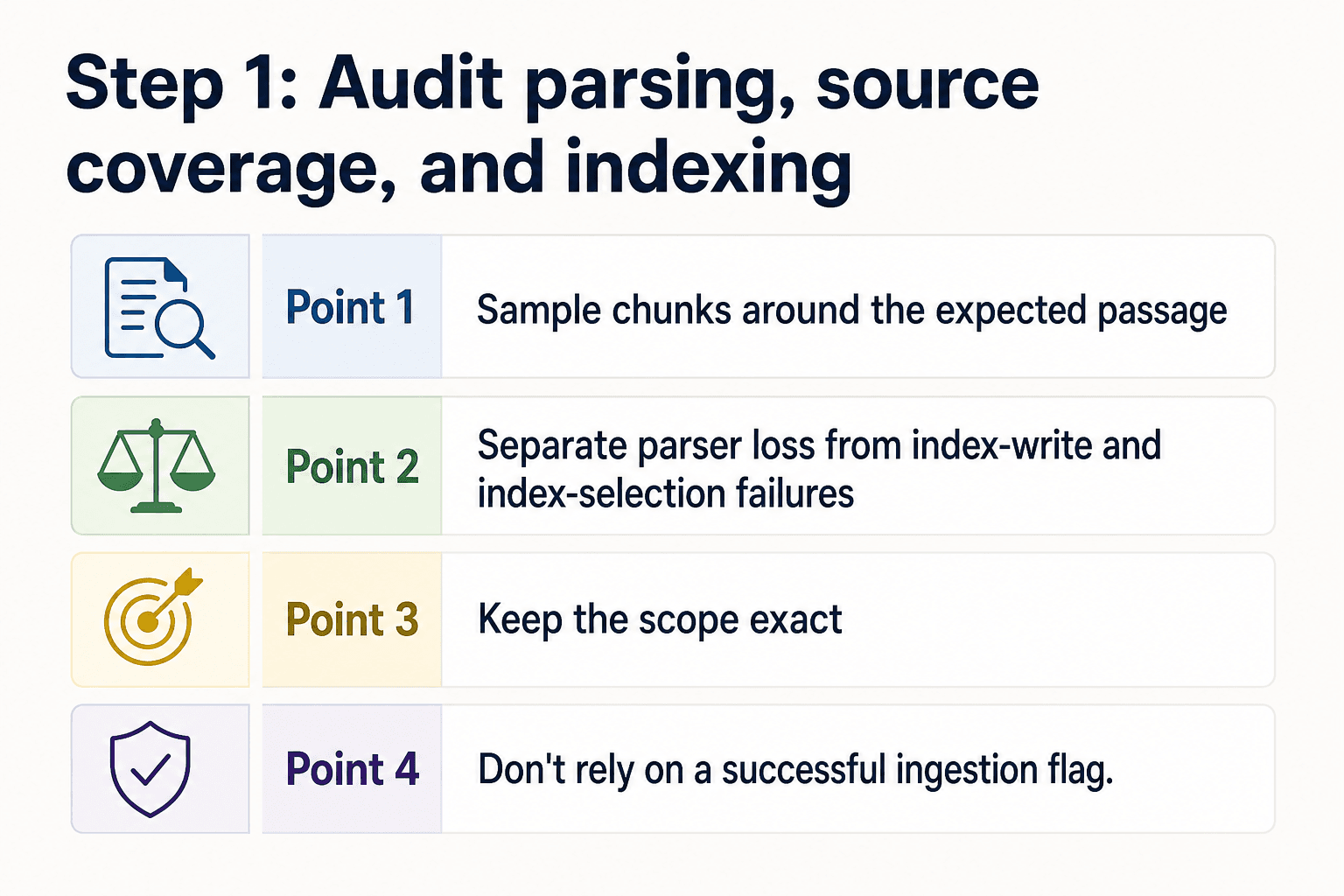
Keep the scope exact. If your application searches only an approved document subset, a source outside that subset is not a search-ranking failure.
Compare parsed text with the original PDF, HTML, or file
Open the parsed output beside the original source and find the expected passage. Check headings, tables, scanned pages, footnotes, special characters, and text inside images, because extraction can drop or distort content in these places.
Don't rely on a successful ingestion flag. It shows that a job finished, not that the parser preserved the words your query needs.
Sample chunks around the expected passage
Find the chunks created from the passage and inspect their text, source ID, chunk ID, and metadata. Read the chunks before and after it, since a parser may preserve a sentence while losing the heading or nearby detail that makes it meaningful.
Look for empty chunks, repeated boilerplate, cut-off text, and chunks assigned to the wrong source. Small defects can make a valid document look unrelated to search.
Separate parser loss from index-write and index-selection failures
If the parsed text lacks the passage, fix the parser or source file first. If the parsed text has it but no matching chunk exists, the failure is in chunk creation or the write path.
If the chunk exists but your trace cannot retrieve it by ID from the intended index, inspect the index write, refresh process, and index selection. Only then should you change retrieval settings.
How to Fix RAG Retrieval That Misses Relevant Documents: A step-by-step guide
- Save the query, expected document, and observed failure as a test case.
- Record which pipeline stage the proposed change should affect.
- Change only the component implicated by the inspection or trace.
- Run the same test case and compare the retrieved results.
- Repeat the check for other labeled queries before adopting the change.
[!note] Chunking cannot restore text that parsing discarded, and reranking cannot select a document that retrieval never returned.
Step 2: Inspect chunk boundaries, metadata, and filters
A chunk can exist in the right index and still fail to represent the idea your query asks for. Inspect the stored text and attached fields before changing chunk size or search settings.
Check whether the relevant idea is split across chunks
Read the expected passage across its chunk boundary. The question, condition, and answer may sit in separate chunks, leaving each too thin to match the query well.
Check both neighboring chunks. If a heading or key qualifier falls outside the answer-bearing chunk, retrieval may return a fragment that lacks context needed to rank.
Review chunk size, overlap, and section-aware segmentation
There is no universal chunk size. It depends on how your sources are structured and how much nearby text an answer needs to stay meaningful.
Use overlap when an idea often crosses a boundary, but don't add it blindly. Heavy overlap creates near-duplicates and can fill results with copies of the same passage. Where possible, split on headings, paragraphs, or other document structure instead of fixed character counts.
Validate metadata fields, filter values, and access constraints
Compare chunk metadata with the filters in the retrieval trace: source type, date, tenant, document status, user scope, and any other field your application applies. Check field names and values exactly, including case, missing values, and stale versions.
A valid chunk excluded by a filter is not a relevance failure. It's a scope rule that prevents search from seeing the source.
What chunking changes cannot solve
Chunking can't recover text that parsing removed, add a document that never reached the index, override an access rule, or make an ambiguous query precise.
Make the smallest change supported by the inspection: adjust one boundary rule, add limited overlap, correct a metadata value, or change an unjustified filter. Then rerun the labeled query to see whether the expected chunk entered the candidate set.
Step 3: Measure recall before tuning search and reranking
Now ask a narrower question: does the expected document enter the candidate set at all? If it doesn't, answer quality is the wrong metric because the model never had the source in context.
Measure document-level recall before answer quality
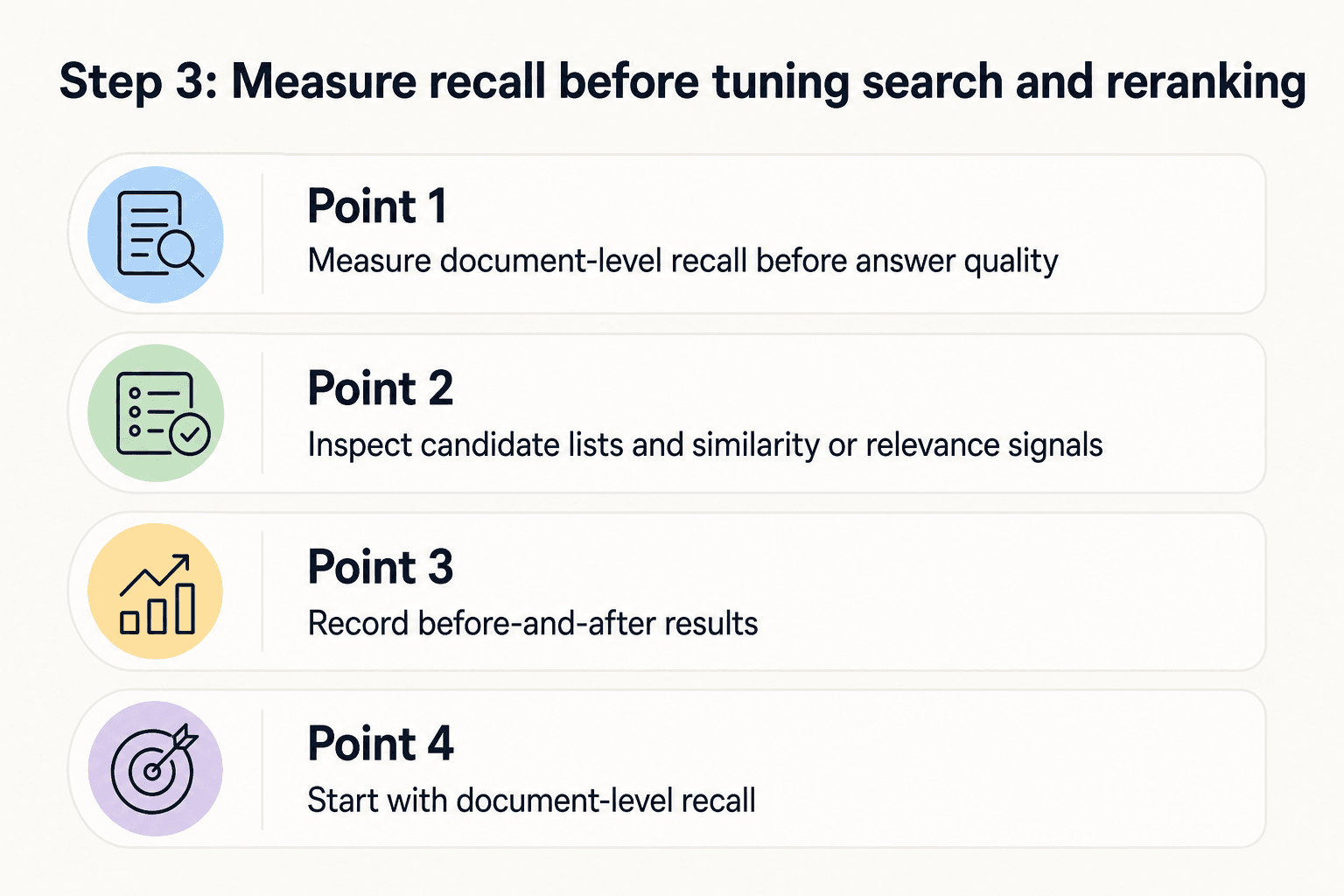
For each labeled query, mark whether the expected document or answer-bearing chunk appears in the first candidate list. Calculate recall as the share of queries where it appears.
Start with document-level recall. A neighboring chunk may be useful, but don't count it as a success if it can't support the expected answer.
Inspect candidate lists and similarity or relevance signals
Read the returned list, not just the top result. Note the expected source's rank, the text of competing chunks, and any similarity or relevance score your system records.
Scores aren't universal. They can help you spot a weak match or close miss, but compare them within the same retrieval run rather than treating one score as proof of quality.
Test query rewriting, hybrid retrieval, and top-k one change at a time
Change one variable, then rerun the full labeled set. Test a query rewrite, keyword plus vector retrieval, a different embedding setup, or a larger top-k separately.
Increasing top-k can raise recall when the right source ranks below the cutoff. However, it can also send more irrelevant text downstream, so it isn't worth it if the expected source still doesn't appear.
Use reranking only after the expected source reaches the candidate set
A reranker can reorder candidates. It can't select a document that retrieval never returned.
If the expected chunk appears but ranks poorly, rerank the same candidate set and check whether it moves high enough to reach the prompt. If it never appears, fix query construction or candidate retrieval first.
Record before-and-after results
Keep a simple record: query, expected document, retrieval settings, candidate rank, and pass or fail. Include the change you made and the result for every labeled query.
One improved example isn't enough. A change that fixes one miss but lowers recall across other queries gives you a tradeoff to examine, not a proven fix.
Troubleshoot agent memory retrieval and close the loop
Memory retrieval fails differently. A memory may belong to another session or be replaced. Vector search can't apply those rules.
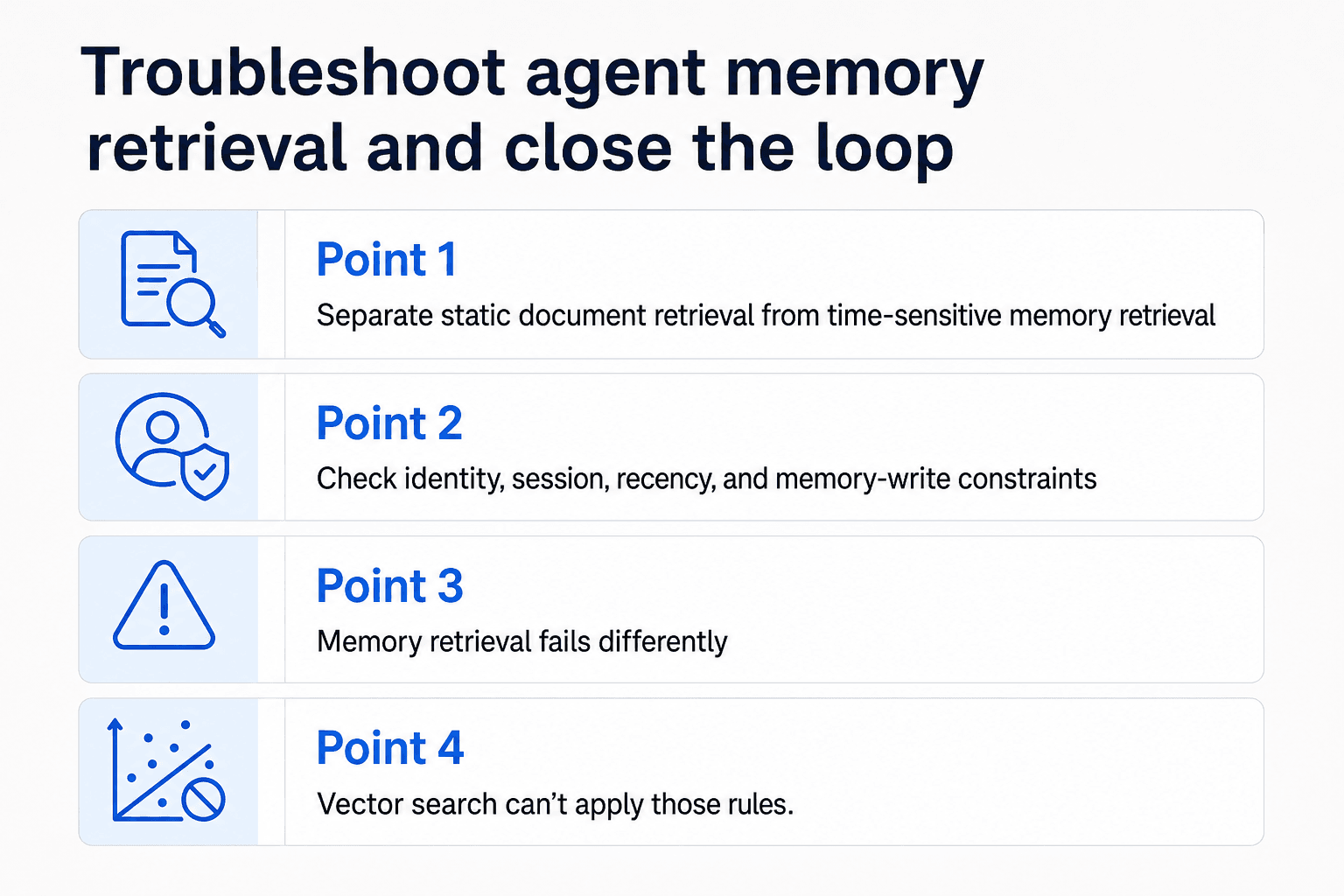
Separate static document retrieval from time-sensitive memory retrieval
Keep static documents and memories on separate paths when their rules differ. Memory retrieval must check ownership, writer, and validity.
Check identity, session, recency, and memory-write constraints
Inspect the stored record: user ID, agent ID, session ID, write time, expiry rule, and superseded status. Confirm the write completed and retrieval applies the same keys. A missing write won't be fixed by a larger top-k.
Retest the original miss and promote it into a regression suite
Retest the original query after the smallest justified change. If it passes, add it with its identity and time constraints to your regression suite.
Frequently asked questions
Where does RAG retrieval fail most often?
The miss alone does not show which stage failed. Check parsing, source coverage, chunking, metadata and filters, retrieval results, and post-retrieval handling in sequence.
How do I know whether a RAG problem is caused by parsing or retrieval?
Inspect the parsed text and indexed chunks for the expected content first. If the content is absent there, investigate parsing or indexing. If it is present, use retrieval traces to inspect query results and filters.
What is a good chunk size for RAG?
There is no single chunk size established by the supplied information. Inspect whether chunks preserve the relevant passage and its context, then compare candidate settings against a labeled query set.
Can increasing top-k fix RAG retrieval misses?
It may be worth testing when the expected document appears below the current cutoff. It won't restore content absent from the index or make a document excluded by filters available.
When should I use a reranker in a RAG pipeline?
Consider it when retrieval returns the expected document but its ordering or selection for downstream use is the problem. A reranker cannot select a document that was never retrieved.
How do metadata filters cause relevant RAG documents to be missed?
A filter can exclude the expected document from the candidates considered for a query. Check the document's indexed metadata and the filters shown in the retrieval trace.
How is agent memory retrieval different from knowledge-base RAG?
Agent-memory checks may need to account for recency, session, and identity constraints, in addition to whether relevant content is present and retrievable. Include those expectations in the test case.
About GigaRAG
GigaRAG helps you share agent memory like you share Google Docs. It connects your AI agents to a central Hive Mind, with access controls for what each agent can use. Developers, vibe coders, and teams can keep project knowledge available across sessions and tools, so agents can pick up where work left off without rebuilding context or managing a full RAG stack.


